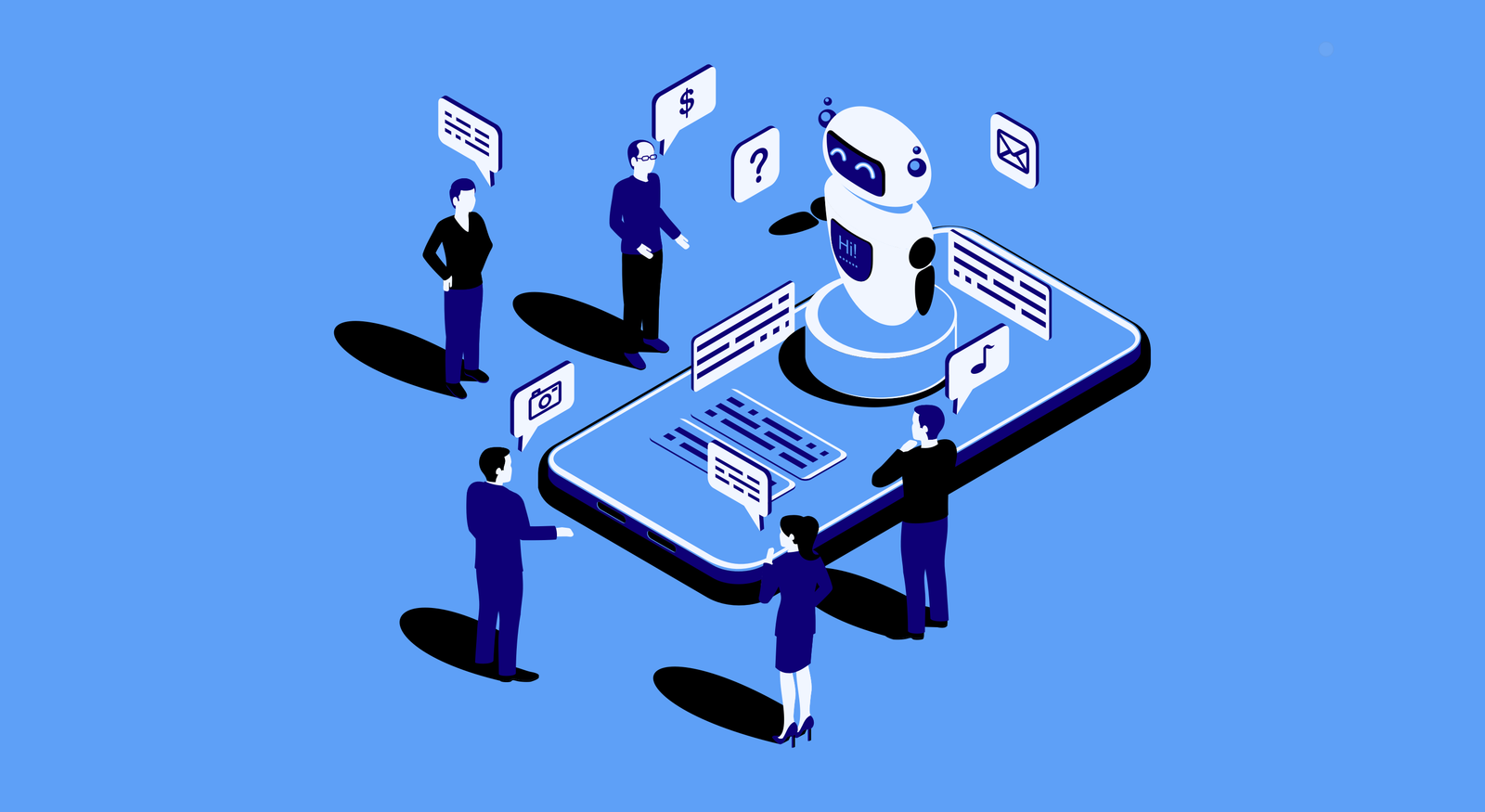

How CRM Automation Solutions Increase Sales Efficiency


From "Data Entry" to "Deal Making": The Human Side of CRM Automation
In the past, CRM software was often seen by sales teams as a "digital filing cabinet"—a place where data went to die. But in 2026, the best CRMs have evolved. They’ve moved from being a static system of record to a dynamic system of action.
If your sales team feels like they’re working for the software instead of the other way around, you’re missing the point of automation. CRM automation is here to do one thing: Clear the "busywork" so you can focus on the "brainwork."
1. The "Perfect Timing" Assistant (Lead Management)
We’ve all heard the stat: the first person to call a lead usually wins the deal. But in a 24/7 digital world, your team can't be everywhere at once.
The Human Move: Use automation to "catch" the lead and send an instant, helpful greeting. While the CRM handles the handshake, your salesperson is notified to prepare a personalized pitch. It’s not about replacing the call; it’s about making sure the call happens while the lead is still thinking about you.
2. Ditching the "Digital Dust" (Reduced Manual Work)
Nothing kills a salesperson’s morale like spending three hours a day typing names and addresses into a database.
The Goal: Let the CRM handle the data entry. By automating meeting logs, contact updates, and basic reporting, you give your team back their most valuable asset: Time. Imagine a world where your "Top Closer" spends 90% of their day actually closing, not filling out forms.
3. Personalization Without the "Bot" Feel
There is a big difference between a generic "Hi [First_Name]" email and a truly personalized interaction.
The 2026 Way: Modern CRMs track "intent signals." If a prospect spends ten minutes on your pricing page, the CRM doesn't just send a generic "Checking in" email. It pings your sales rep and says: "Hey, Sarah is looking at the Enterprise plan right now. Here is a case study from a similar company in her industry." [Table: Manual Sales vs. Automated Relationship Management]
From "Data Entry" to "Deal Making": The Human Side of CRM Automation
In the past, CRM software was often seen by sales teams as a "digital filing cabinet"—a place where data went to die. But in 2026, the best CRMs have evolved. They’ve moved from being a static system of record to a dynamic system of action.
If your sales team feels like they’re working for the software instead of the other way around, you’re missing the point of automation. CRM automation is here to do one thing: Clear the "busywork" so you can focus on the "brainwork."
1. The "Perfect Timing" Assistant (Lead Management)
We’ve all heard the stat: the first person to call a lead usually wins the deal. But in a 24/7 digital world, your team can't be everywhere at once.
The Human Move: Use automation to "catch" the lead and send an instant, helpful greeting. While the CRM handles the handshake, your salesperson is notified to prepare a personalized pitch. It’s not about replacing the call; it’s about making sure the call happens while the lead is still thinking about you.
2. Ditching the "Digital Dust" (Reduced Manual Work)
Nothing kills a salesperson’s morale like spending three hours a day typing names and addresses into a database.
The Goal: Let the CRM handle the data entry. By automating meeting logs, contact updates, and basic reporting, you give your team back their most valuable asset: Time. Imagine a world where your "Top Closer" spends 90% of their day actually closing, not filling out forms.
3. Personalization Without the "Bot" Feel
There is a big difference between a generic "Hi [First_Name]" email and a truly personalized interaction.
The 2026 Way: Modern CRMs track "intent signals." If a prospect spends ten minutes on your pricing page, the CRM doesn't just send a generic "Checking in" email. It pings your sales rep and says: "Hey, Sarah is looking at the Enterprise plan right now. Here is a case study from a similar company in her industry." [Table: Manual Sales vs. Automated Relationship Management]
| Feature | The Manual Struggle | The Automated Edge |
| Follow-ups | Relying on memory or sticky notes. | Automated reminders triggered by customer action. |
| Data | Scattered across emails and Excel. | One "Single Source of Truth" for the whole team. |
| Forecasting | "Best guess" and gut feelings. | Real-time dashboards based on actual pipeline velocity. |
| Focus | 60% Admin / 40% Selling. | 10% Admin / 90% Human Connection. |
Why "Human-Centric" Automation Wins
The irony of automation is that it actually makes your business feel more human. When your team isn't stressed about missing a follow-up or losing a lead, they can be more present in their conversations. They can listen better, empathize more, and solve problems more creatively.
The Bottom Line
In 2026, a CRM shouldn't just be a place to store phone numbers. It should be your sales engine, removing the friction between you and your next big partnership.
Why "Human-Centric" Automation Wins
The irony of automation is that it actually makes your business feel more human. When your team isn't stressed about missing a follow-up or losing a lead, they can be more present in their conversations. They can listen better, empathize more, and solve problems more creatively.
The Bottom Line
In 2026, a CRM shouldn't just be a place to store phone numbers. It should be your sales engine, removing the friction between you and your next big partnership.